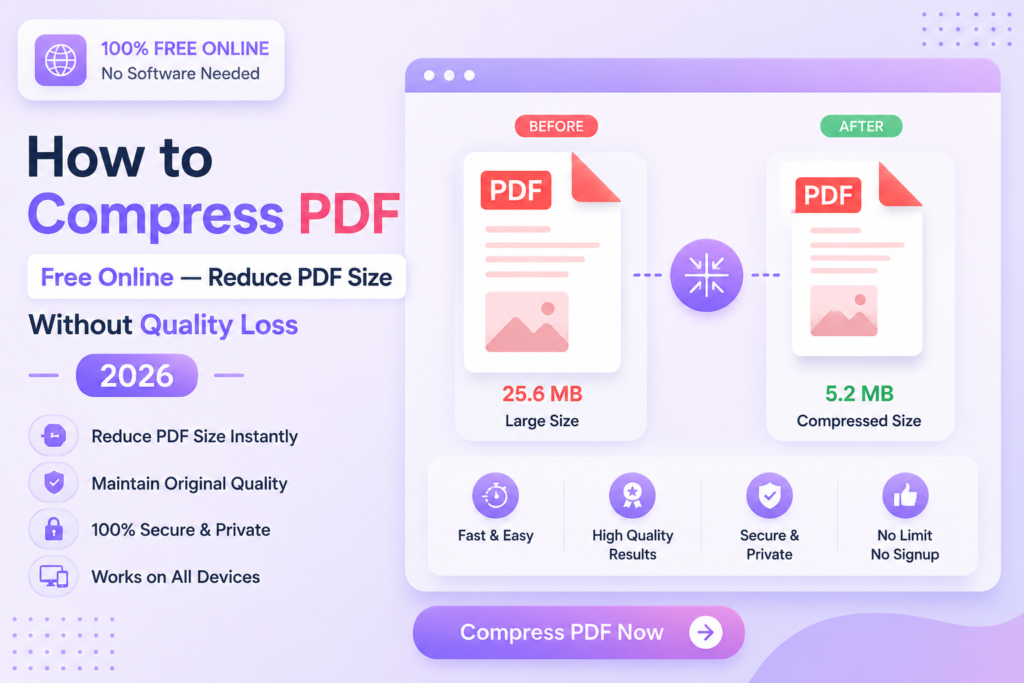
How to Compress PDF Free Online — Reduce PDF Size Without Quality Loss 2026
Reduce any PDF file size instantly — no software, no signup, no payment required.
⚡ Compress PDF Free — Try Now
📋 In This Guide
What is PDF Compression?
PDF compression is the process of reducing a PDF file’s size while keeping its content intact. A compressed PDF contains the same text, images and pages — just in a smaller file size that is easier to share, upload or email.
Large PDF files are a common problem — they fail to attach in emails, take too long to upload on portals, or exceed the file size limits set by government websites and job portals. Compressing the PDF solves all of these issues instantly.
✅ MySmartWork’s Compress PDF tool reduces file size by up to 80% without any visible quality loss — completely free, no signup, processed in your browser.
How to Compress PDF Free Online — Step by Step
Compressing a PDF on MySmartWork takes just 3 steps:
Upload your PDF file
Open the Compress PDF tool and drag & drop your PDF, or click “Choose File” to select it from your device.
Click Compress
Hit the “Compress PDF” button. The tool automatically reduces the file size while preserving readability and quality.
Download the compressed file
Your compressed PDF downloads instantly. The new smaller file is ready to share, email or upload anywhere.
⚠️ Note: PDFs that are already highly compressed may see minimal size reduction. For best results, use with scanned documents or image-heavy PDFs.
Why Compress a PDF?
There are many everyday situations where a smaller PDF file is essential:
- Email attachments — Most email providers have a 25MB attachment limit. Compress large PDFs to send them without issues.
- Government portals — Many official websites have strict file size limits (often 1MB or 2MB) for document uploads.
- Job applications — Resume and document uploads on job portals often have size restrictions.
- WhatsApp and messaging — Share documents faster over messaging apps with smaller file sizes.
- Cloud storage — Save space in Google Drive, OneDrive or Dropbox by compressing large PDFs.
- Faster loading — Compressed PDFs open and load faster on all devices.
Free vs Paid Tools — What’s the Difference?
| Feature | MySmartWork (Free) | Paid Tools |
|---|---|---|
| Cost | ✅ Completely Free | ❌ $19.99/month |
| Signup Required | ✅ No | ❌ Yes |
| Software Install | ✅ No | ❌ Yes |
| Compression Quality | ✅ Up to 80% reduction | ✅ Up to 90% reduction |
| Mobile Friendly | ✅ Yes | ⚠️ Limited |
| File Privacy | ✅ Processed in browser | ⚠️ Uploaded to server |
Common Use Cases
📋 Submitting Documents Online
Bank account openings, loan applications, visa applications and government registrations all require document uploads with strict size limits. Compressing your PDFs ensures smooth submission every time.
🎓 Students and Academic Use
Assignment submissions, research papers and project reports often need to be uploaded to university portals with file size restrictions. A quick compress solves this without any quality loss.
💼 Business and Professional Use
Contracts, proposals and reports shared with clients over email or messaging apps load and transfer much faster when compressed.
🏥 Medical Records
Scanned medical reports and prescriptions are often very large. Compress them for easy sharing with doctors or uploading to health portals.
Frequently Asked Questions
Is PDF compression really free?
Yes, MySmartWork’s Compress PDF tool is completely free — no hidden charges, no subscription, no signup required.
Will compressing a PDF reduce its quality?
For most PDFs, compression reduces file size significantly with no visible quality loss. Image-heavy PDFs may see a slight reduction in image sharpness at very high compression levels.
Is my PDF file safe?
Absolutely. Your file is processed entirely within your browser — it is never uploaded to any external server. Your document stays on your device at all times.
How much can I reduce a PDF file size?
Depending on the PDF content, file size can be reduced by 40% to 80%. Scanned and image-heavy PDFs typically compress the most.
Does it work on mobile?
Yes, the tool is fully mobile-friendly and works in any browser on Android and iPhone devices.
Can I compress multiple PDFs at once?
Currently the tool processes one PDF at a time. For multiple files, use the Merge PDF tool first to combine them, then compress the merged file.
⚡ Compress PDF Free — Right Now
No signup. No software. No payment. Upload your PDF and get a smaller file instantly.
Open Compress PDF Tool →