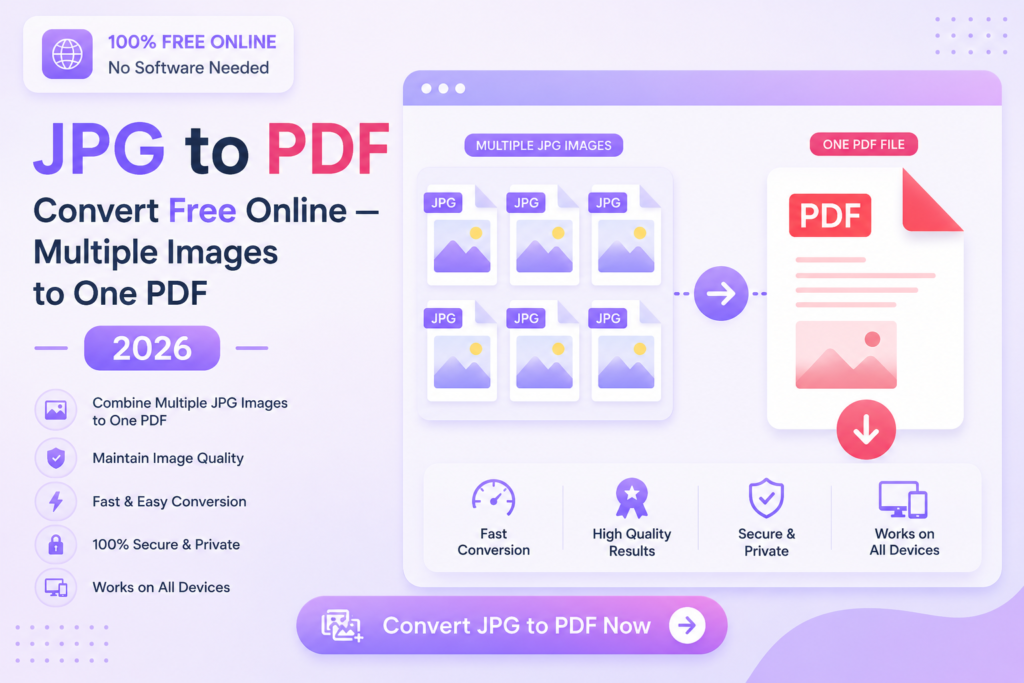
JPG to PDF Convert Free Online — Multiple Images to One PDF 2026
Convert single or multiple JPG images into one PDF file instantly — no software, no signup, no payment.
🖼️ Convert JPG to PDF — Free
📋 In This Guide
What is a JPG to PDF Converter?
A JPG to PDF converter is an online tool that transforms image files — JPG, JPEG or PNG — into a professional PDF document. You can convert a single image or combine multiple images into one organized PDF file.
PDF is the standard format for sharing documents professionally. Converting your images to PDF makes them easier to share, print and submit — without worrying about the recipient not having the right image viewer or the images appearing in different sizes.
✅ MySmartWork’s JPG to PDF tool supports multiple images at once, maintains original image quality, and is 100% free — no signup, no watermark, processed in your browser.
How to Convert JPG to PDF Free Online — Step by Step
Converting JPG images to PDF on MySmartWork takes just 3 steps:
Upload your JPG images
Open the JPG to PDF tool and drag & drop your images, or click “Choose Files” to select one or multiple JPG files from your device.
Arrange and convert
If you uploaded multiple images, arrange them in the order you want. Then click “Convert to PDF” to generate your PDF document.
Download your PDF
Your PDF file downloads instantly — ready to share, email, print or upload anywhere.
⚠️ Tip: For best results, use high-resolution JPG images. Very low-resolution images may appear blurry in the final PDF.
Why Convert JPG to PDF?
Converting images to PDF offers several important advantages:
- Universal format — PDFs open on every device and operating system without any special software.
- No quality loss on sharing — Unlike images shared over WhatsApp or email, PDFs maintain their original quality.
- Combine multiple images — Merge several photos into a single organized document for easy sharing.
- Professional appearance — PDF format is the standard for official submissions, reports and documents.
- Fixed layout — PDF documents look the same on every screen, unlike images that may resize or rotate unexpectedly.
- Easy printing — PDFs print with perfect formatting without any adjustments needed.
Free vs Paid Tools — What’s the Difference?
| Feature | MySmartWork (Free) | Paid Tools |
|---|---|---|
| Cost | ✅ Completely Free | ❌ Monthly subscription |
| Signup Required | ✅ No | ❌ Yes |
| Watermark on PDF | ✅ No watermark | ⚠️ Often on free plans |
| Multiple Images | ✅ Yes | ✅ Yes |
| Mobile Friendly | ✅ Yes | ⚠️ Varies |
| File Privacy | ✅ Processed in browser | ⚠️ Uploaded to server |
Common Use Cases
🪪 Document Submissions
Identity documents, address proofs and certificates are often photographed or scanned as JPG images. Converting them to PDF makes them ready for official submissions on government portals, banks and institutions.
📸 Photo Albums and Reports
Combine multiple event photos, site inspection images or project progress pictures into a single organized PDF report — easy to share and archive.
🎓 Academic Submissions
Handwritten assignments, lab reports and project photos can be photographed and converted to a single PDF for submission on university portals.
🏢 Office and Business Use
Receipts, invoices and physical documents photographed on mobile can be quickly converted to PDF for record-keeping and sharing with colleagues or clients.
Frequently Asked Questions
Is JPG to PDF conversion really free?
Yes, MySmartWork’s JPG to PDF converter is completely free — no hidden charges, no subscription, no signup required.
Can I convert multiple JPG images to one PDF?
Yes, you can upload multiple JPG images and combine them all into a single PDF document in one go.
Will there be a watermark on my PDF?
No, there is absolutely no watermark on any PDF generated by MySmartWork tools — completely clean output.
Is my file safe?
Yes. Your images are processed entirely within your browser and are never uploaded to any external server.
Does it work on mobile?
Yes, the tool is fully mobile-friendly and works in any browser on Android and iPhone devices.
Can I also convert PNG images to PDF?
Yes, the tool supports JPG, JPEG and PNG image formats for conversion to PDF.
🖼️ Convert JPG to PDF Free — Right Now
No signup. No watermark. No payment. Upload your images and download your PDF instantly.
Open JPG to PDF Tool →